Breaking Down the Real Costs of Webflow Websites

A detailed comparison of Webflow and its competitors like WordPress, TYPO3, Wix, Framer, and more – covering pricing, target audiences, pros, and cons.

Breaking Down the Real Costs of Webflow Websites

Webflow is one of the most popular platforms for building modern websites. But how much does it actually cost? In this article, we’ll break down pricing, discuss pros and cons, compare Webflow to alternatives, and explain why we at Iridium Works rely on Webflow for our projects.

Webflow Pricing Overview

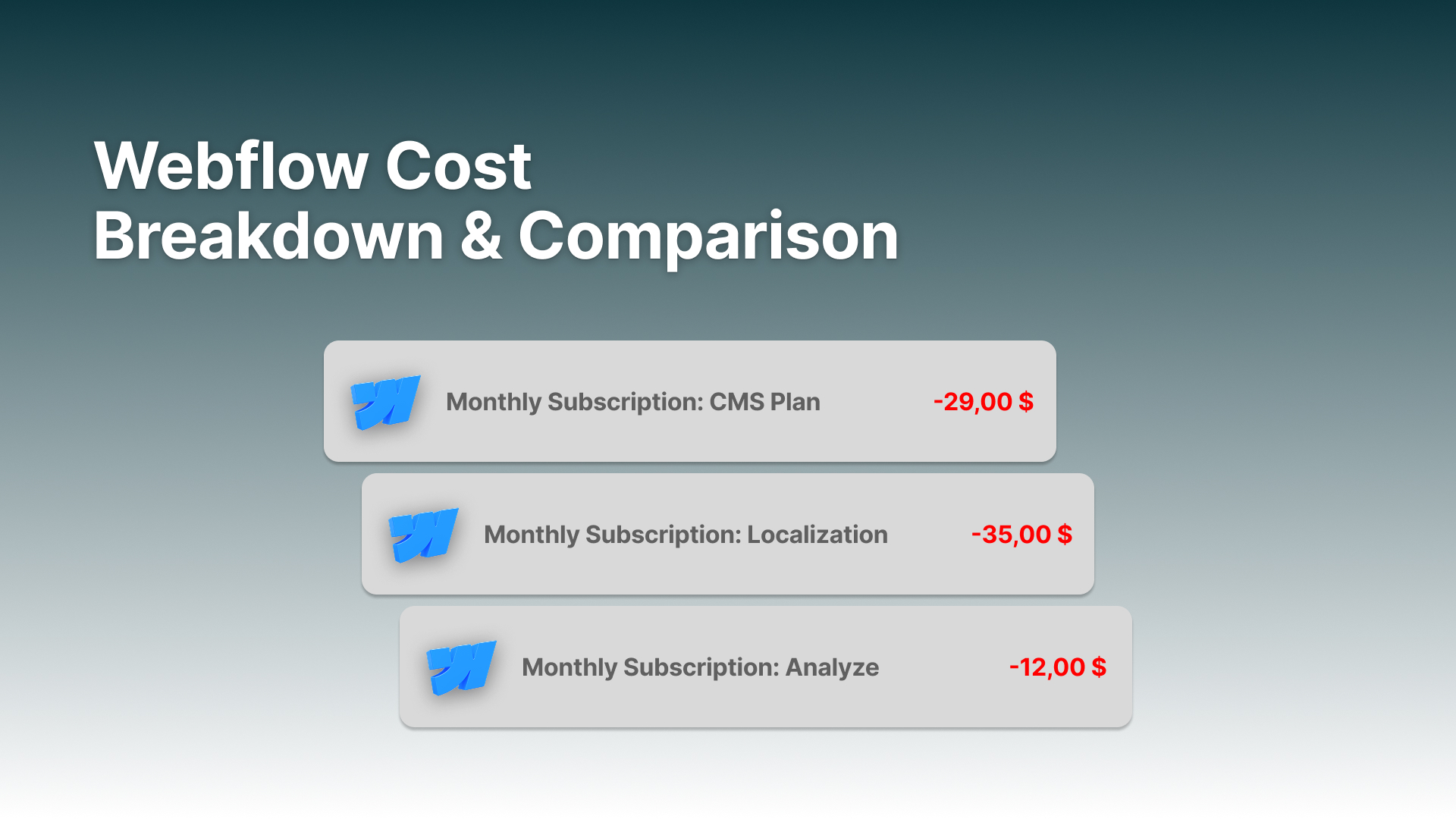
Webflow’s pricing model is split into Hosting, Analytics, and Multi-Language.

From our experience, most businesses fit into two tiers:

Plan / Add-on Price (USD/month or per unit) When to Use / Notes
Basic (Site Plan) ~ $14 (annual billing) / $18 (monthly) Landing pages, simple static content sites (no CMS)
CMS (Site Plan) ~ $23 (annual) / $29 (monthly) Blogs, content-driven websites with CMS collections
Business (Site Plan) ~ $39 (annual) / $49 (monthly) High-traffic sites, more CMS items, heavier resource use
Enterprise (Site Plan) Custom / quote-based Large enterprise websites requiring custom SLAs, high limits, etc.
E-commerce Standard ~ $29 (annual) / $42 (monthly) Small online store with core e-commerce features, includes transaction fees
E-commerce Plus ~ $74 (annual) / $84 (monthly) Larger catalog, more sales, no transaction fee (on some plans)
E-commerce Advanced ~ $212 (annual) / $235 (monthly) Enterprise-scale e-commerce operations, high item counts, premium support etc.
Localization / Multi-Language (Locale Add-on) $12 per locale/month (Essential) / $35 per locale/month (Advanced) Add-on to site plans, supports multiple languages, static & CMS localization, SEO features
Analyze (Webflow Analytics Add-on) $29 to $229/month based on session limits (10k → 500k) Native analytics, click maps, scroll maps, visual insights within Webflow
Optimize (A/B Testing / Personalization Add-on) Starting at ≈ $299/month (usage-based) Conversion optimization: A/B tests, personalized experiences, AI-powered recommendations


Example calculation:
A company with >50 employees, services pages, team section, project portfolio, a blog, 2 languages, and analytics ends up at ~$55/month.

Pros and Cons of Webflow

Pros:

  • Modern, no-code-first development
  • Beautiful, responsive designs
  • Fast hosting & integrated CDN
  • Powerful CMS for most use cases
  • Flexible integrations with custom code

Cons:

  • Pricing higher than some alternatives (e.g. WordPress hosting)
  • Limited flexibility for highly complex custom systems
  • Some advanced features locked behind higher plans

Is Webflow Expensive Compared to Competition?

Compared to WordPress or self-hosted CMS systems, Webflow seems more expensive at first glance.

  • WordPress hosting may cost less than $10/month.
  • However, Webflow includes secure hosting, CDN, CMS, and visual editor in one package.

When factoring in developer time, plugin maintenance, and security hardening, Webflow’s cost is often competitive — or even cheaper long-term.

Platform Pricing (typical starting point) Target Audience Pros Cons
Webflow ≈ $18/mo (Basic), ≈ $29–$39/mo (CMS); higher for Business/Ecom Design-led teams, agencies, marketing sites, SMBs Visual designer + CMS, fast hosting/CDN, clean HTML/CSS, good SEO controls, rapid iteration Higher cost than basic WP hosting; advanced features on higher tiers; heavy custom apps require workarounds
Wix ≈ $16–$27/mo (site plans); ecom higher Small businesses, DIY site owners Very easy to use, many templates, app marketplace Code output less clean; complex layouts less precise than Webflow/Framer
Squarespace ≈ $16–$27/mo; commerce tiers higher Creatives, portfolios, simple ecom Polished templates, great editor UX, built-in basics Less design freedom; limited developer extensibility
Framer ≈ $20–$30+/mo (site); usage-based Startups, landing pages, design-first teams Very fast to ship, modern animations, design-to-web flow CMS/features still maturing vs Webflow; large sites need care
Editor X (Wix) ≈ $22–$49/mo Pros needing more responsive control Advanced responsive layouts, team features Complexity; tied to Wix ecosystem
Dorik ≈ $4–$15/mo Simple sites & landing pages Lightweight, affordable, quick setup Limited extensibility; basic CMS
WordPress.org (self-hosted) $5–$30+/mo hosting; plugins/themes extra Everyone from bloggers to enterprises (with right stack) Huge ecosystem, full control, many page builders (Elementor/Divi/Bricks) Maintenance, security hardening, plugin conflicts; quality varies
WordPress.com ≈ $8–$45+/mo (tiered) Users wanting hosted WP without server admin Managed hosting, backups, updates handled Plugin/theme limits on lower tiers; less control than self-hosted
TYPO3 Free core; hosting & dev costs vary Enterprises, public sector, DACH region Enterprise-grade, multilingual, permissions, long-term stability Steeper learning curve; requires experienced developers
Drupal Free core; hosting & dev costs vary Complex, content-heavy, enterprise sites Very flexible, robust taxonomy/permissions, headless-friendly Complex setup; dev resources required
Joomla Free core; hosting extra Legacy/SMB sites needing CMS features Mature CMS, decent extensions Declining popularity; smaller ecosystem vs WP
Ghost Self-hosted: free; Hosted: ≈ $9–$25+/mo Publishing, newsletters, memberships Fast, clean writing experience, built-in membership/payments Not a general site builder; limited complex layouts
Craft CMS License ≈ $99–$299+; hosting extra Developer-led custom sites Flexible content modeling, excellent authoring UX Requires devs; no visual page builder by default
Statamic License ≈ $259 one-time (+ addons); hosting extra Laravel teams, content-driven sites Flat-file or DB, modern stack, great CP Smaller ecosystem than WP; dev-centric
Grav Free; hosting extra Developers wanting a flat-file CMS Lightweight, fast, versionable content Fewer plugins; technical setup
Shopify ≈ $39–$399+/mo; fees apply E-commerce of all sizes Best-in-class ecom UX, apps, payments, POS Design flexibility limits; app costs add up
BigCommerce ≈ $39–$399+/mo (tiered) Scalable online stores Robust native features; headless options Theme ecosystem smaller than Shopify
Magento (Adobe Commerce) Open Source: free; Adobe Commerce: $$$ (enterprise) Large/complex e-commerce Extremely flexible, enterprise features High dev & hosting costs; complex maintenance
Sitecore XP Enterprise license (quote-based) Enterprises needing DX platform Personalization, marketing automation, enterprise stack Very high TCO; heavy implementation
Adobe Experience Manager (AEM) Enterprise license (quote-based) Global enterprises, multi-brand ecosystems Powerful authoring, integrations, workflows Expensive; specialized partners required
Builder.io Free tier; paid from ≈ $25–$99+/mo Headless + visual editing teams Visual editor for headless stacks, A/B testing, personalization Requires headless mindset; pricing scales with usage
TeleportHQ Free tier; paid plans available Design-to-code workflows Generates code from UI; rapid prototyping Production hardening still needed; niche use
Figma + Anima Anima paid plans ≈ $31+/mo; Figma separate Design teams exporting to web Bridges design & code; speeds handoff Generated code may need refactoring; not a full CMS

Why Iridium Works Focuses on Webflow

At Iridium Works, we specialize in delivering websites that:

  • Launch quickly without compromising design
  • Are scalable and easy to maintain
  • Perform seamlessly across devices

Webflow allows us to combine rapid development with professional-grade results. Clients can edit content easily, while we ensure technical quality, performance, and SEO foundations.

That’s why we rely on Webflow for most of our website projects.

Conclusion

Webflow websites usually cost between $18 and $55 per month — but the true value lies in the combination of speed, design, scalability, and integrated hosting.

For us at Iridium Works, Webflow is the perfect balance between flexibility, performance, and long-term cost-efficiency.

About the Author

Lucas is a serial entrepreneur with a passion for design and software development. Over the years he has build multiple companies and helped brands all over the world bring digital experiences to their customers. He writes about new technology, design trends and goes into depth on web technology.

Lucas Weiper
CEO
at Iridium Works
📍
Koblenz, Germany
🔗
Full Biogrpahy
🔗
LinkedIn Profile
Let's build your digital future, together.
We build digital experiences for pioneers that want to challenge the status quo so that they can rise to the top of their competitive landscape.
Text reading 'Iridium Works' with a blue marbled texture fill on a transparent background.
Black and white close-up portrait of a man with a bald head, full beard, and checkered shirt looking directly at the camera.
Portrait of a woman with long dark hair, wearing black glasses, a black blazer, and a light gray top, against a plain gray background.
Smiling bald man with a beard wearing a white dress shirt with his arms crossed, standing against a dark blue textured wall.
Smiling man wearing glasses, a navy blazer, white shirt, and jeans, sitting on a wooden stool against a plain background.
Young man with glasses, beige zip-up sweater, white shirt, and gray pants sitting on a wooden stool against a light gray background.
© Iridium Works GmbH. All rights reserved.
Welcome to digital excellence.